

Download Samsung Members v1 – Samsung Members app, Samsung customer support, Samsung device help, Samsung troubleshooting, Samsung app for Galaxy
Overview
The Samsung Members app is a dedicated support platform designed for Samsung device owners, aiming to enhance user experience through comprehensive assistance and device optimization tools. Tailored specifically for Samsung Galaxy smartphones and tablets, the app serves as a central hub for troubleshooting, technical guidance, and access to exclusive offers. It enables users to resolve performance issues, learn about hidden features, and stay updated on software updates and new accessories. The app is particularly beneficial for individuals who want to maximize their device’s capabilities without relying solely on third-party solutions.
Target users include Samsung customers in the United States who own compatible Galaxy devices. The app supports both Android and iOS platforms, allowing users to access support regardless of their mobile ecosystem. It is intended for everyday users as well as tech-savvy individuals seeking deeper insights into their devices. Real-world usage scenarios include resolving software glitches via live chat, accessing video tutorials for repairs, and receiving push notifications about new features or promotional deals. The developer, Samsung Electronics Co., Ltd., is a well-established name in consumer electronics, lending credibility to the app’s reliability and support structure.
Key Features & Capabilities
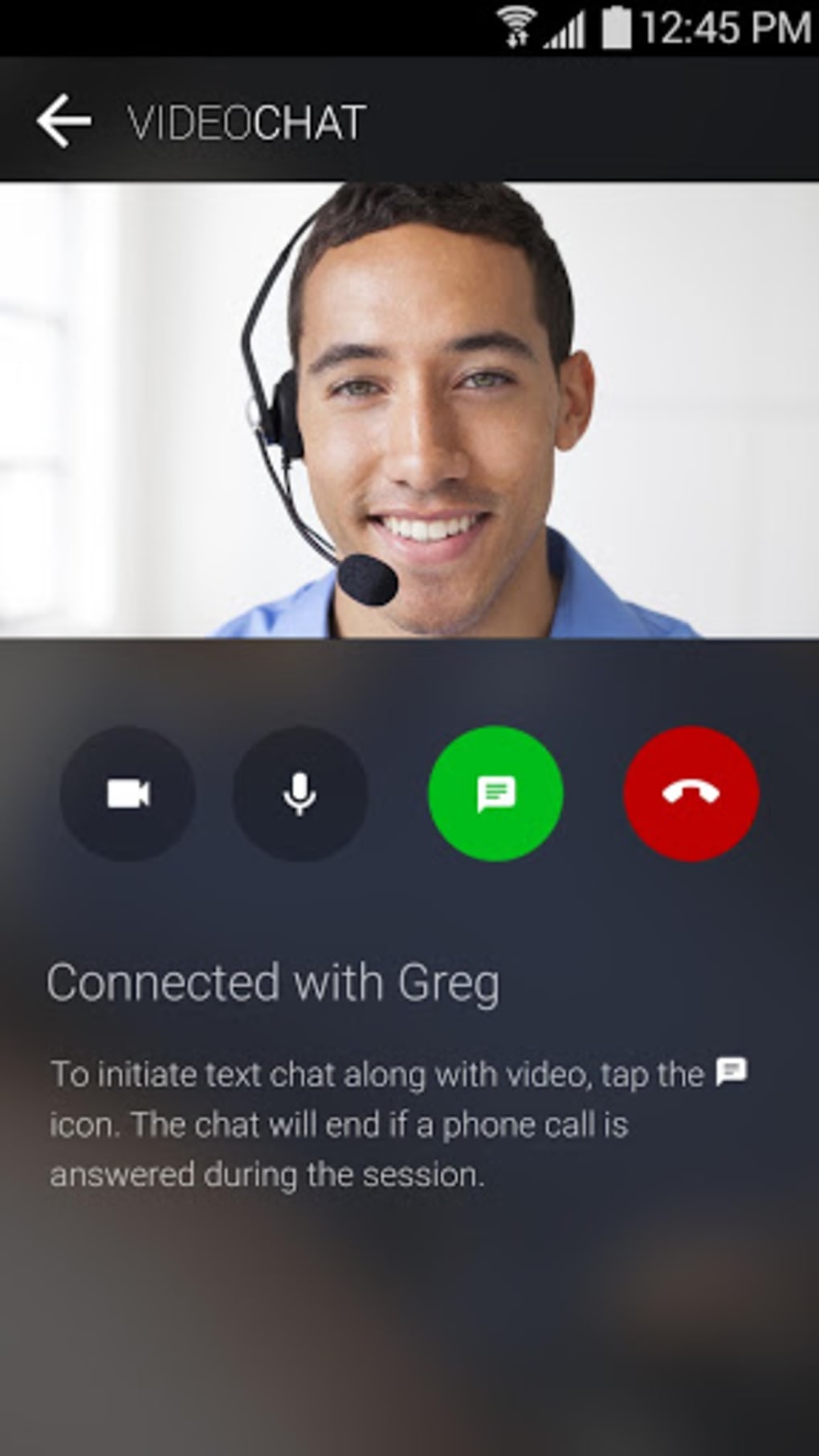
- Live Chat Support – Users can connect with dedicated Samsung specialists in real time to address technical issues, device errors, or setup questions. This feature ensures immediate assistance without the need for long wait times.
- Video Call Assistance – The app allows users to schedule or initiate video calls with support agents, enabling visual demonstrations of troubleshooting steps, repair techniques, and feature usage.
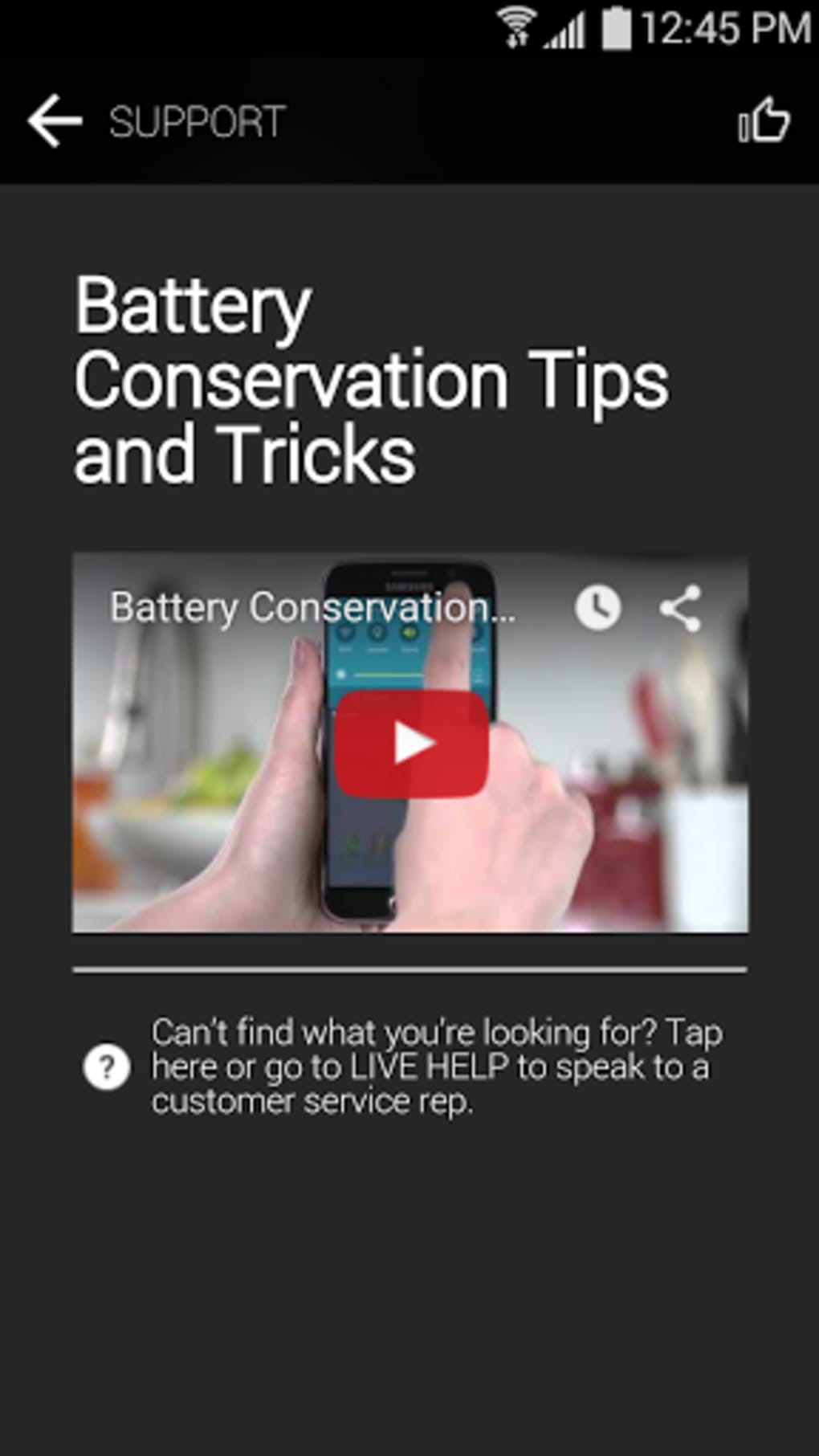
- Offline Help Library – A downloadable repository of FAQs, guides, and troubleshooting articles is available for offline access, ensuring users can find solutions even without an internet connection.
- Push Notifications – The app delivers timely updates about software releases, new app recommendations, and exclusive promotions, helping users stay informed and up to date.
- Exclusive Promotions – Samsung Members offers access to special discounts and deals on new products, accessories, and services, allowing users to save on upgrades and add-ons.
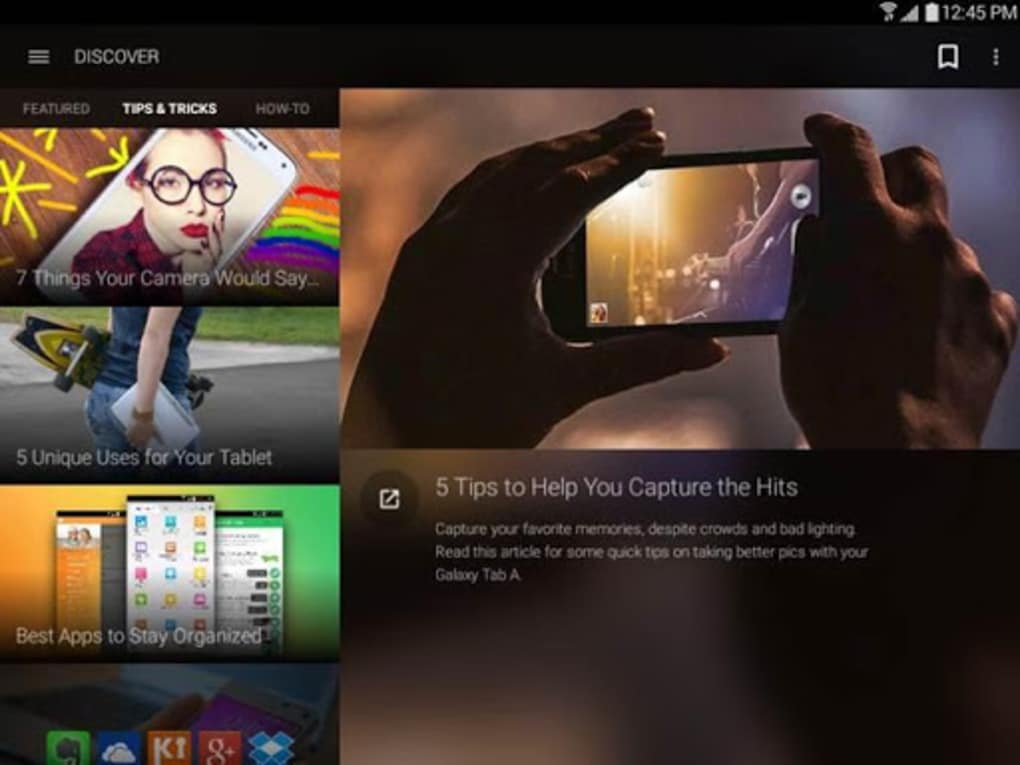
- Device Optimization Tips – The app provides insights into hidden features and performance enhancements, helping users improve battery life, speed, and overall device functionality.
These features collectively support users in maintaining peak device performance, learning new capabilities, and accessing personalized support. For example, a user experiencing slow performance can use the app to identify optimization settings, receive a video walkthrough of a reset process, and later receive a notification about a relevant software update.
User Interface, Workflow & Performance
The Samsung Members app features a clean, intuitive interface optimized for mobile use across both Android and iOS. Navigation is structured around a bottom tab bar with clearly labeled sections such as Support, Offers, and Tips. Users can quickly switch between live chat, video calls, and the help library without confusion. The workflow is designed to minimize steps—users can initiate support with a single tap, select their device model, and begin a conversation with minimal input.
While specific performance metrics such as CPU or RAM usage were not provided, the app’s 100 MB size suggests it is lightweight and suitable for most modern devices. General software behavior patterns indicate smooth operation during standard use, with responsive interactions and quick loading times. The developer did not specify resource usage details, so actual performance may vary based on device configuration and network conditions. Stability appears consistent with Samsung’s typical app standards, though no independent benchmarks were available.
Compatibility & System Requirements
The Samsung Members app is compatible with most Samsung Galaxy devices, including a wide range of smartphones and tablets. It supports both Android and iOS operating systems, allowing broader accessibility for users across different ecosystems. The app’s version is 1.1.14, and it has a file size of 100 MB, which is typical for feature-rich mobile applications.
Exact system requirements were not listed by the developer. However, given its release date of March 15, 2024, and compatibility with current Galaxy devices, it is expected to run on recent smartphones and tablets. The app is currently available exclusively to Samsung customers in the United States, which may affect availability for international users. Installation is straightforward, with no reported issues related to setup or initialization.
Pros and Cons
Pros
- Direct access to Samsung customer support specialists via live chat and video calls
- Comprehensive offline help library for use without internet connectivity
- Push notifications for software updates, new features, and exclusive deals
- Exclusive promotions and discounts on Samsung products and accessories
- Intuitive interface with easy navigation and minimal learning curve
- Free to download and use, with no hidden costs
Cons
- Currently limited to Samsung customers in the United States
- Exact system requirements and performance data were not specified
- May not support older Galaxy models not listed in official compatibility documentation
- Availability on iOS may limit full integration with Samsung-specific features
- Requires an active Samsung account for full functionality
FAQ Section
Is Samsung Members available for all Samsung users?
The app is currently restricted to Samsung customers in the United States. Users outside this region may not be able to download or use the app.
Can I use Samsung Members without an internet connection?
Yes, the app includes an offline help library with downloadable FAQs and guides, allowing users to access support resources without an active internet connection.
Is the Samsung Members app safe to download?
Yes, the app is developed by Samsung Electronics Co., Ltd., a trusted technology company. It is available through official app stores and is free from known security threats.
How often is the app updated?
The app is regularly updated with improvements, performance fixes, and new features to enhance functionality and user experience.
Does the app require a Samsung account?
Yes, a Samsung account is required to fully access support features, personalized tips, and exclusive offers within the app.
Final Thoughts
The Samsung Members app stands out as a valuable tool for Samsung Galaxy owners seeking reliable, timely, and personalized support. With its combination of live chat, video assistance, offline resources, and exclusive promotions, it delivers a holistic support experience that goes beyond basic troubleshooting. While availability is currently limited to U.S.-based users and specific system requirements are not detailed, the app’s free model and strong developer backing make it a compelling choice for maximizing device performance.
Whether you're a new user exploring your Galaxy device or an experienced owner looking to unlock hidden capabilities, Samsung Members provides the tools and guidance needed to stay ahead. For existing Samsung customers in the United States, this app is not just helpful—it’s essential.
Download Samsung Members v1 now





.png)

